
Why is my grow light flickering? A grow light flickering is almost always caused by the LED driver or how it interacts with a dimmer, not by the diodes themselves. The U.S. Department of Energy says LEDs respond almost instantly to the current a driver delivers. Check connections and dimmer settings first, then replace the driver or the fixture if flicker continues.
Key takeaway: Grow light flickering comes from temporal light modulation, a rapid change in light output. DOE research says LEDs have little persistence, so any unsteady current from the driver or dimmer shows up as flicker. Visible flicker is a sign to inspect wiring, dimmer settings and the driver, and to stop using a fixture that buzzes, smells or overheats.
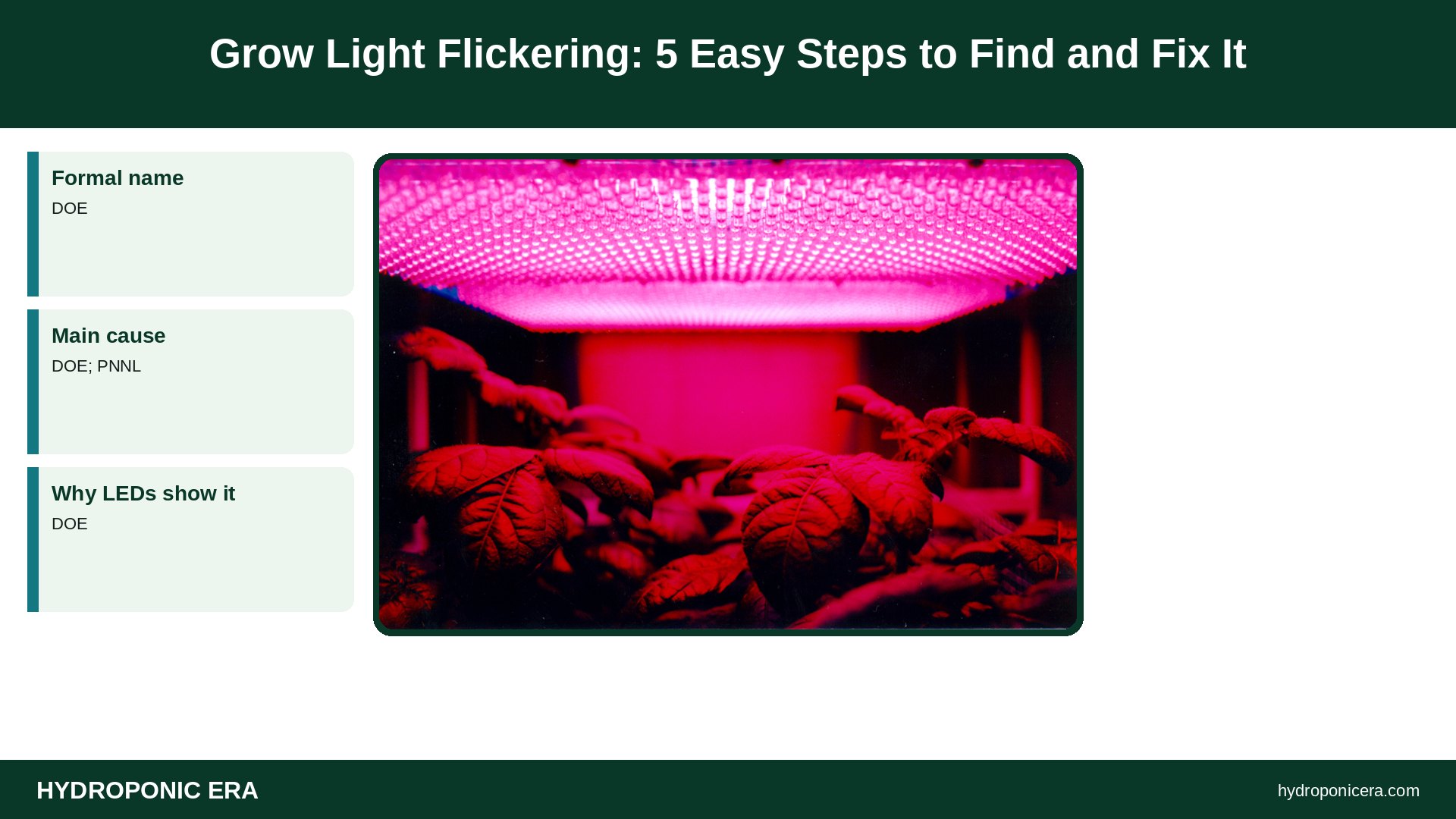
| Item | What DOE research reports | Source |
|---|---|---|
| Formal name | Temporal light modulation (TLM) | DOE |
| Main cause | Driver and dimmer electronics | DOE; PNNL |
| Why LEDs show it | Little thermal or phosphor persistence | DOE |
| Risk zone | Low dimming levels | PNNL |
| Quick test | Phone slow-motion video (240 fps) | PNNL |
| Field fixes | Change driver or dimmer, then fixture | PNNL |
What Causes a Grow Light Flickering?
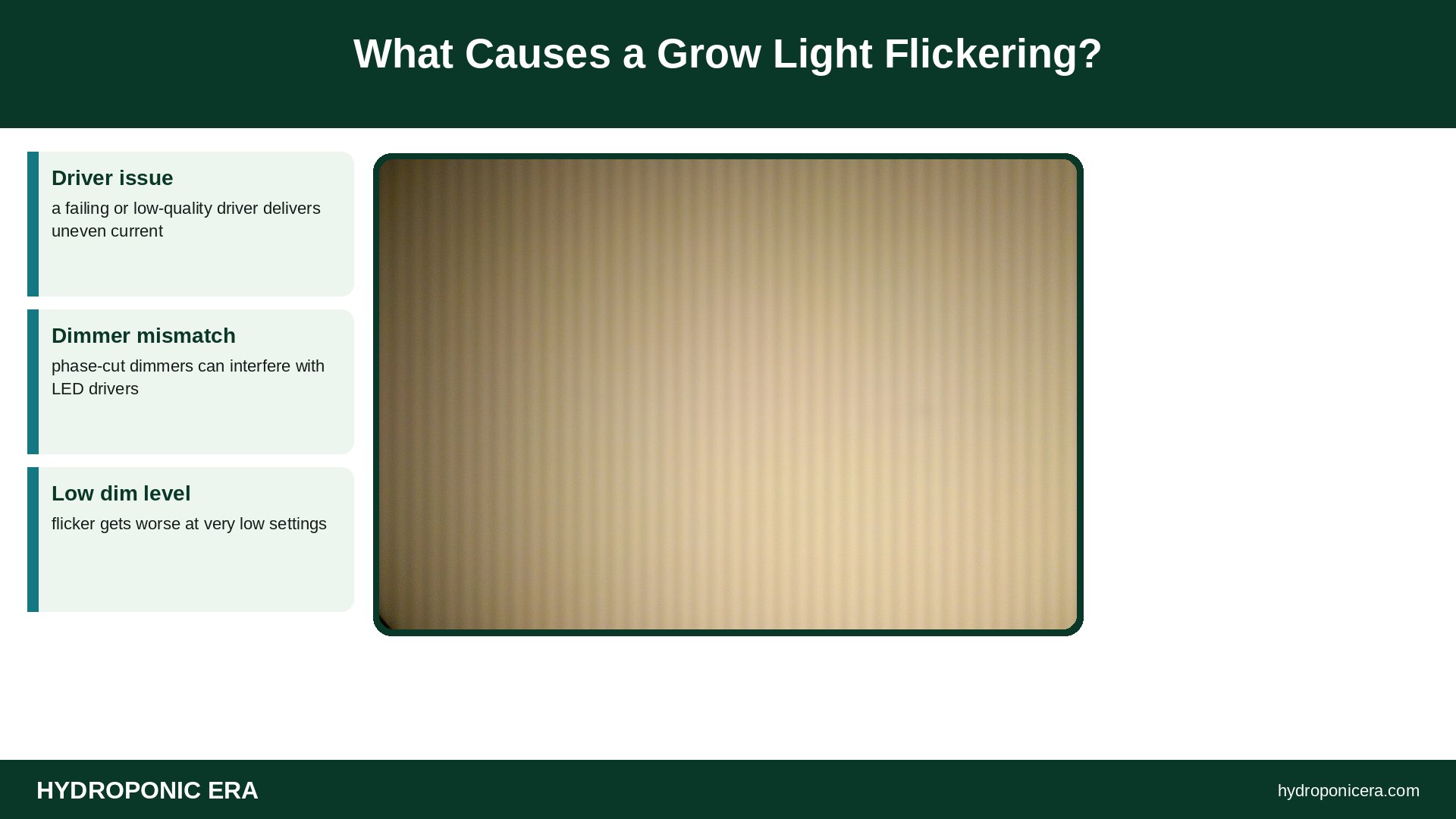
A grow light flickering is caused by unsteady current from the driver. The DOE explains that LEDs have little thermal or phosphor persistence, so they respond very rapidly to the current delivered by driver or dimmer electronics. A PNNL presentation for DOE sums it up: LEDs are not the problem; the driver electronics are the source of flicker.
- Driver issue: a failing or low-quality driver delivers uneven current.
- Dimmer mismatch: phase-cut dimmers can interfere with LED drivers.
- Low dim level: flicker gets worse at very low settings.
- Loose connections: plugs or daisy-chain cables that move can interrupt power.
Our guide to the LED grow light panel explains how drivers and boards fit together.
Is Grow Light Flickering at Low Dimming Normal?
Some grow light flickering at low dimming is common, but it is not ideal. PNNL notes that pairing a driver with a dimmer is especially tricky at very low dimming levels. Dimming methods such as pulse width modulation can create flicker. If your light flickers only near its lowest setting, raise the dimmer slightly and check again.
The DOE CALiPER testing of dimmable lamps found that dimming performance is often related to the driver, and phase-cut dimmer systems often have compatibility issues. Some manufacturers recommend specific dimmers that work better with their products, so use the controller the light maker specifies.
How Do You Test a Grow Light Flickering?
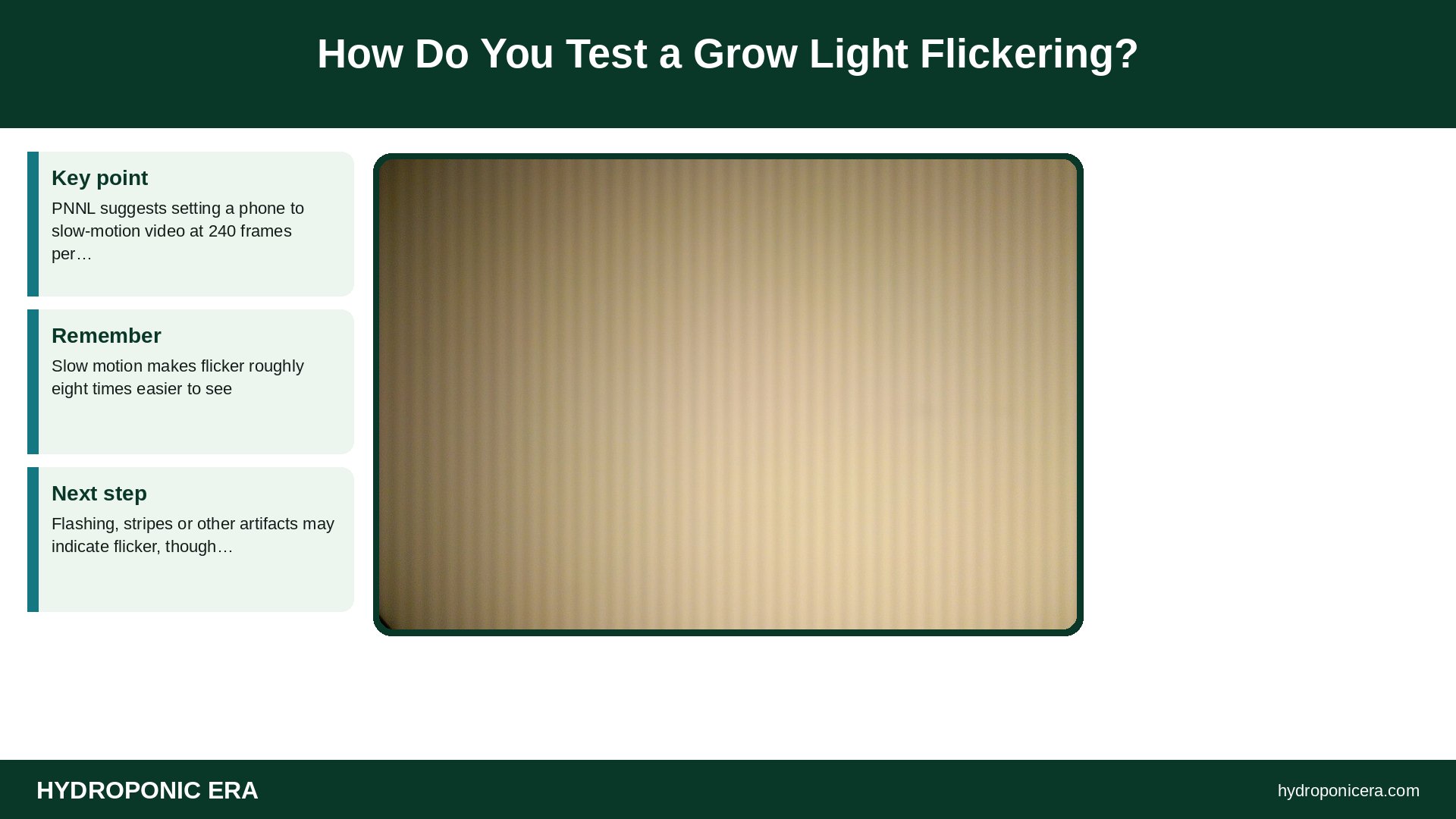
Use your phone. PNNL suggests setting a phone to slow-motion video at 240 frames per second and filming the light for about five seconds. Slow motion makes flicker roughly eight times easier to see. Flashing, stripes or other artifacts may indicate flicker, though PNNL notes it is a good indicator rather than a guarantee.
- Turn the light on at the dim level you normally use.
- Set the phone camera to slow-motion video.
- Film the light, or a plant under it, for five seconds.
- Play back the video and look for stripes or pulsing.
- Repeat at full power to compare.
PNNL also mentions a waving finger or wand test: a stroboscopic pattern of separate images can reveal modulation you would not otherwise notice.
How Do You Fix a Grow Light Flickering?
Start with simple checks, then follow the PNNL order of field fixes: contact the manufacturer, change the driver, change the dimmer if it is a phase-cut type, and replace the fixture as a last resort. Unplug the light before touching any connection, and never open a sealed driver housing.
| Step | What to do | Why |
|---|---|---|
| 1 | Reseat plugs and daisy-chain cables | Rules out a loose connection |
| 2 | Raise the dimmer above its lowest setting | Low levels raise flicker risk |
| 3 | Use the manufacturer’s dimmer or controller | Avoids compatibility issues |
| 4 | Contact the manufacturer about the driver | Driver is the usual source |
| 5 | Replace the driver or fixture | Last resort per PNNL |
If the driver runs very hot, see do LED grow lights get hot for safe operating checks.
Does Grow Light Flickering Hurt Plants or People?
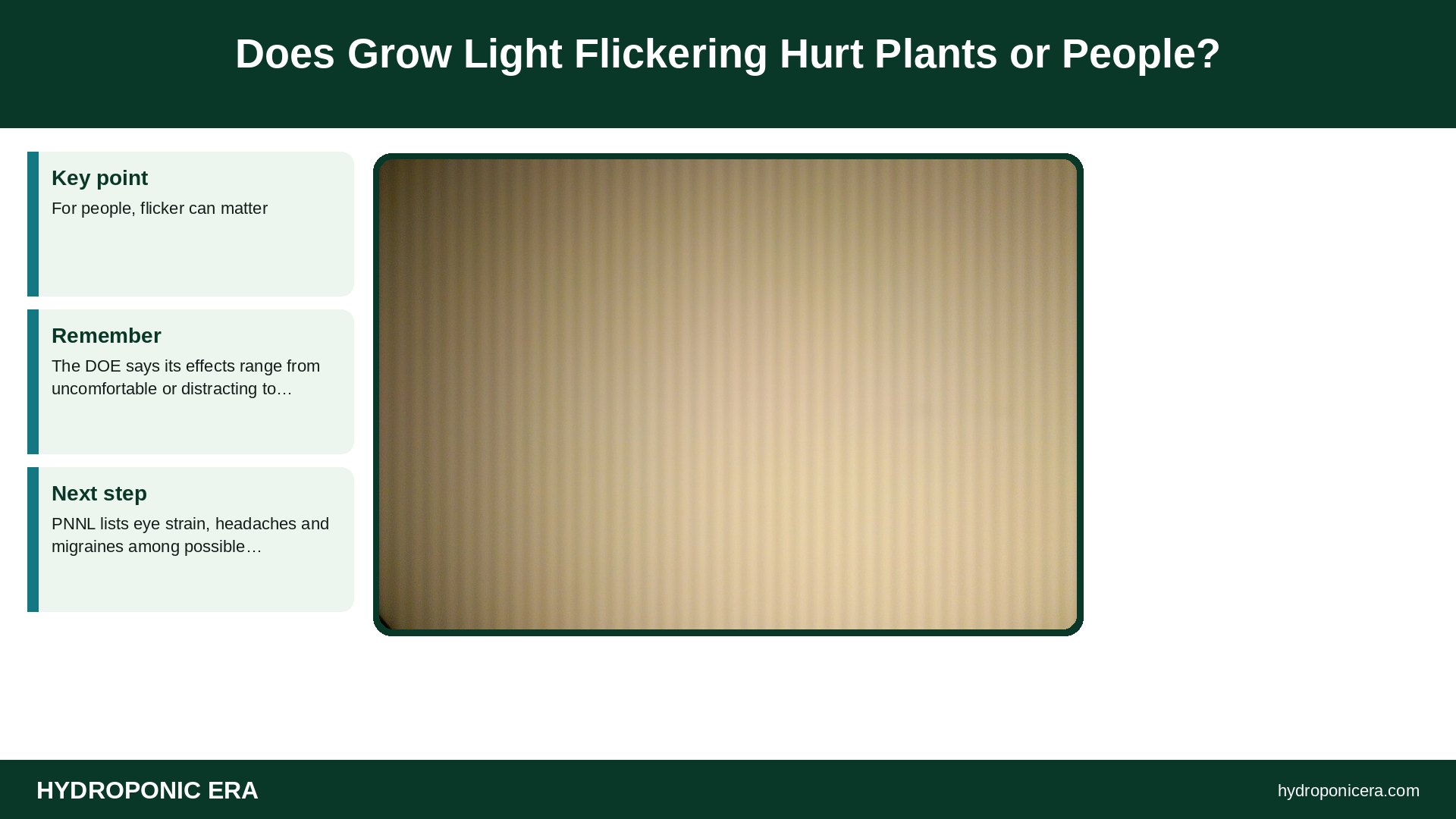
For people, flicker can matter. The DOE says its effects range from uncomfortable or distracting to harmful or, rarely, dangerous, and sensitivity varies widely. PNNL lists eye strain, headaches and migraines among possible effects, and photoepilepsy in rare cases. We found no authoritative data on flicker harming plant growth, so treat it mainly as a fixture fault and comfort issue.
For more on safe use, read are grow lights harmful to humans.
Does Grow Light Flickering Mean the Light Is Dying?
Not always, but a light that starts flickering after months of steady use often has a failing driver. The DOE notes LED output depends on the driver’s current, so driver wear shows up as unsteady light. Swapping the driver often saves the fixture. See how long LED grow lights last.
How Do You Choose a Grow Light That Will Not Flicker?
Choose a fixture with a quality driver and published flicker data. PNNL advises seeing an LED product running before buying, checking it while dimmed and asking manufacturers to publish flicker metrics such as percent flicker, flicker index and flicker frequency on their data sheets. Buy the dimmer or controller the light maker recommends.
- Ask for flicker data: percent flicker and flicker frequency.
- Test dimmed: check the light at low settings, not just full power.
- Match controls: use the maker’s recommended dimmer.
- Film it: a slow-motion phone video reveals problems early.
Can Other Equipment Cause Grow Light Flickering?
Yes, especially controls connected to the same circuit. The DOE CALiPER report notes that some manufacturers recommend specific dimmers and a minimum and maximum number per circuit, and that phase-cut dimmer characteristics can interfere with LED sources. If you run the light through a timer, smart plug or shared controller, test it plugged straight into a wall outlet to rule those out.
FAQ About Grow Light Flickering
Is grow light flickering dangerous?
It can cause discomfort; unplug lights that also buzz, smell or overheat.
Can a dimmer cause grow light flickering?
Yes; PNNL and DOE tests link flicker to dimmer and driver mismatch.
Why does my grow light flicker only when dimmed?
Low dimming levels are the hardest for drivers to keep steady.
Can I see flicker my eyes miss?
Yes; slow-motion phone video at 240 fps often reveals it.
Should I replace the whole light?
Try the driver or dimmer first; PNNL lists the fixture last.
Sources
- U.S. Department of Energy — Flicker Research
- Pacific Northwest National Laboratory for DOE — Flicker: How to avoid it, test for it, and fix it
- DOE CALiPER via OSTI — CALiPER Report 20.2: Dimming, Flicker, and Power Quality of LED PAR38 Lamps
- Photo credits (Wikimedia Commons, edited with titles): LED panel and plants by NASA Marshall Space Flight Center (Public domain); Flickering LED lamp visible via rolling shutter by User:Ragesoss (CC BY-SA 3.0)