
Raspberry Pi hydroponics monitoring is a weekend project: the Pi can’t read analog sensors directly, so pair it with an ADS1115 converter for pH and TDS probes, add a waterproof DS18B20 for water temperature, calibrate with buffer solutions, and log readings with Python. Keep every signal at 3.3 V or less, and treat cheap sensors as trend tools.
| Part | Role | Key spec (maker) |
|---|---|---|
| Raspberry Pi | Logger and dashboard | GPIO reads only high (3.3 V) or low (0 V) |
| ADS1115 ADC | Reads analog probes over I2C | 16-bit, 4 channels (Adafruit) |
| DFRobot SEN0161-V2 pH kit | pH | 3.3–5.5 V supply; 0–3.0 V output; ±0.1 at 25°C |
| DFRobot SEN0244 TDS | Nutrient strength | 0–1000 ppm; ±10% F.S.; 0–2.3 V output |
| DS18B20 waterproof probe | Water temperature | 1-Wire; needs a 4.7K pull-up (Adafruit) |
| Atlas EZO-pH (upgrade) | Digital pH circuit | UART/I2C; 1-, 2- or 3-point calibration |

Why Use Raspberry Pi Hydroponics Monitoring?
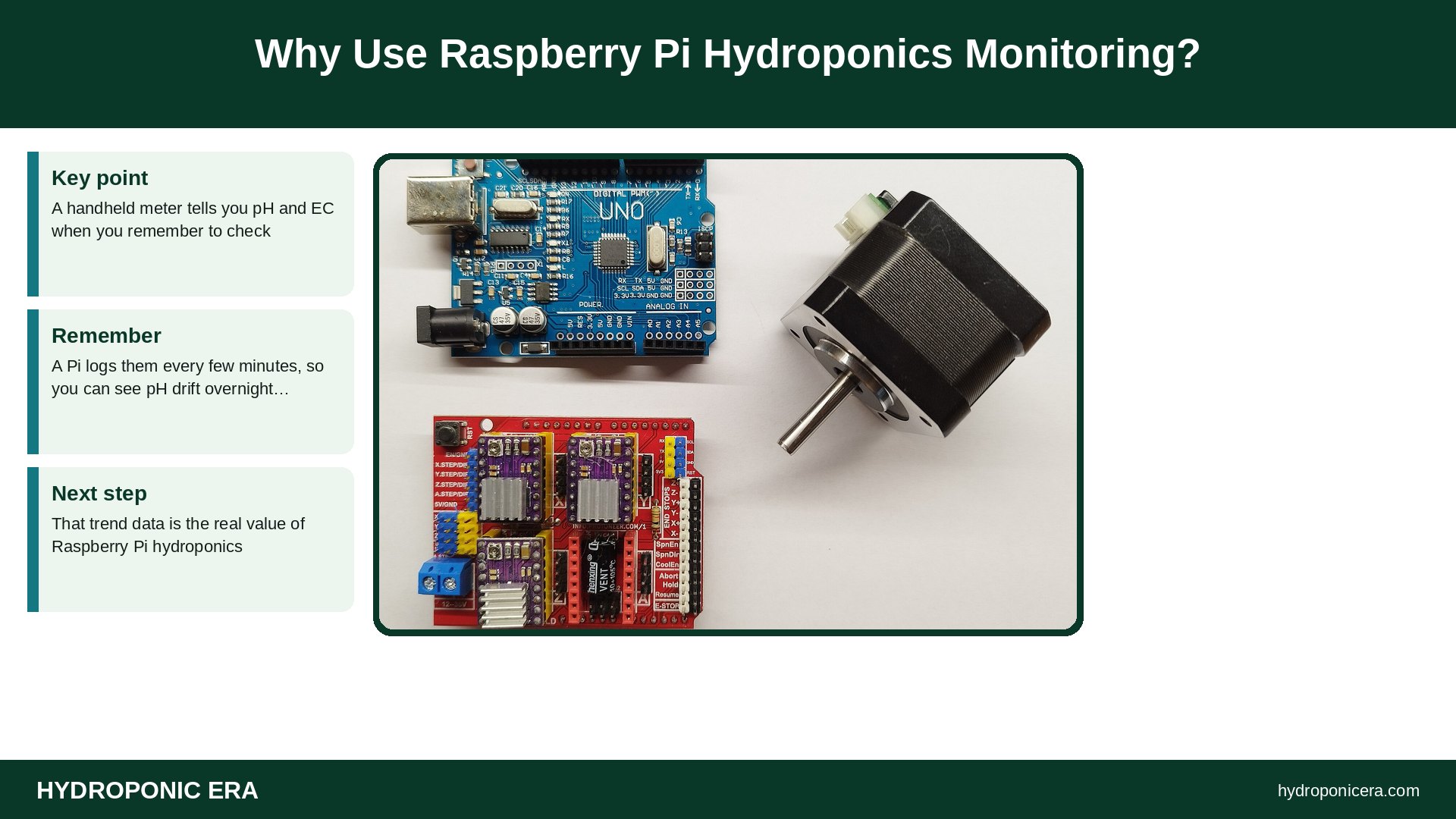
A handheld meter tells you pH and EC when you remember to check. A Pi logs them every few minutes, so you can see pH drift overnight, catch a reservoir warming up, or spot EC climbing as plants drink water faster than nutrients. That trend data is the real value of Raspberry Pi hydroponics. If you’re new to the numbers, start with our guides to pH control and EC and TDS.
Why Does Raspberry Pi Hydroponics Need an ADC?
The official Raspberry Pi GPIO documentation says an input pin “can be read as high (3.3V) or low (0V).” Analog pH and TDS boards output a varying voltage, so you need an analog-to-digital converter. Adafruit describes the ADS1115 as a higher-precision 16-bit ADC with 4 channels that talks to the Pi over I2C, with programmable gain from 2/3x to 16x.
The same documentation warns: “Do not use 5V for 3.3V components.” Power the ADC from the Pi’s 3.3 V pin, as Adafruit’s wiring shows, and power the sensor boards at 3.3 V too. DFRobot lists both boards as working from 3.3 to 5.5 V.
Raspberry Pi Hydroponics Monitor in 8 Easy Steps
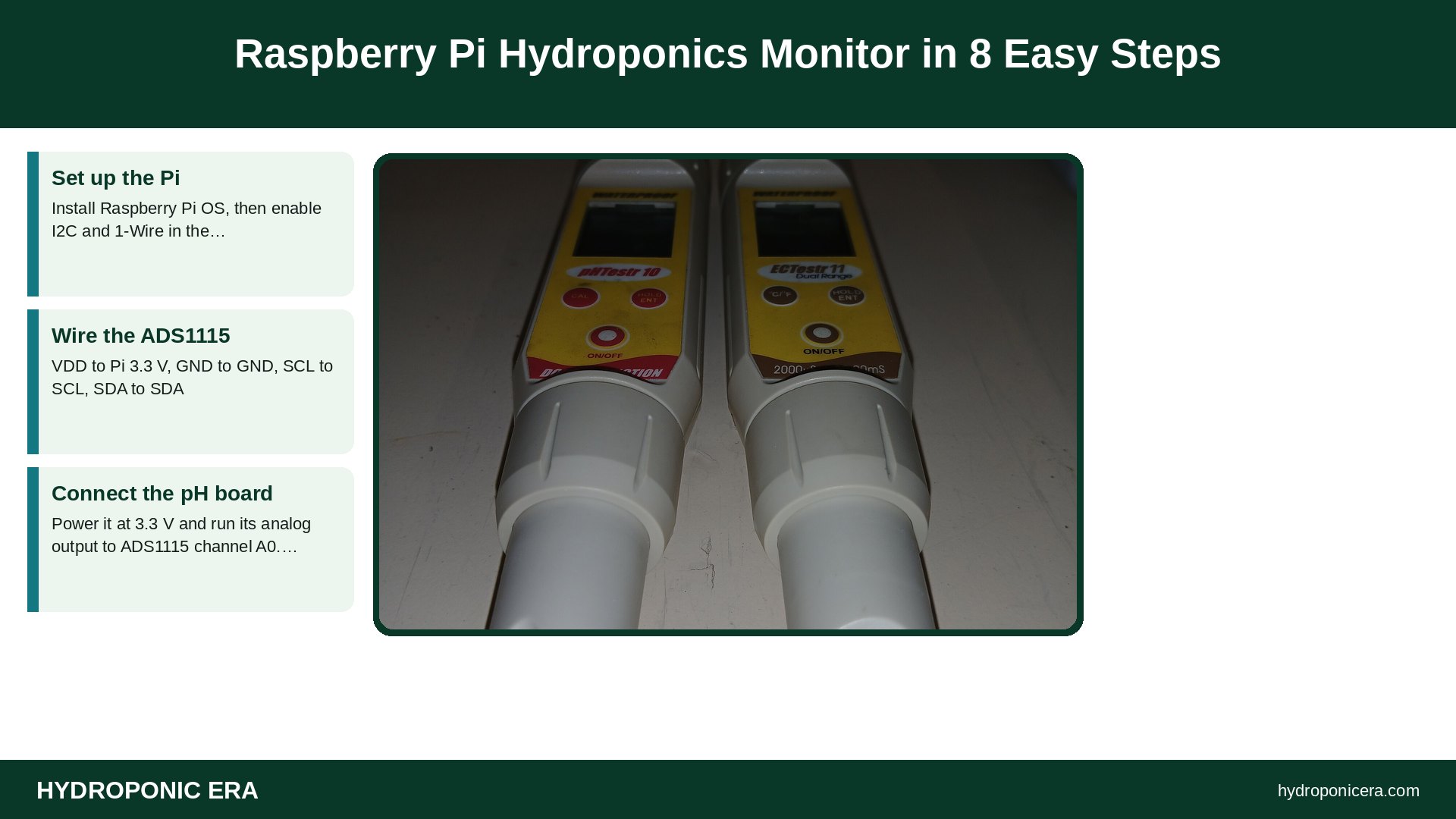
- Set up the Pi. Install Raspberry Pi OS, then enable I2C and 1-Wire in the configuration tool. Adafruit says to confirm the ADC appears with the
i2cdetectcommand before moving on. - Wire the ADS1115. VDD to Pi 3.3 V, GND to GND, SCL to SCL, SDA to SDA.
- Connect the pH board. Power it at 3.3 V and run its analog output to ADS1115 channel A0. The SEN0161-V2 output stays within 0–3.0 V.
- Connect the TDS board. Power at 3.3 V and run its output to A1.
- Add temperature. Wire a waterproof DS18B20 to 3.3 V, ground and data on GPIO 4, with a 4.7K resistor from data to 3.3 V, per Adafruit.
- Install the library. Adafruit’s current guide uses
pip3 install adafruit-circuitpython-ads1x15; its older ADS1115 tutorial is marked as no longer supported. - Calibrate. Use pH 7 and pH 4 buffers for a two-point pH calibration, as DFRobot recommends; it suggests recalibrating about monthly, or weekly with frequent use. Use a known-EC or TDS standard for the TDS probe. Record water temperature at the same time.
- Log and alert. Write readings to a CSV file every 5–15 minutes, then chart them or send yourself an alert when values leave your target range.
These eight steps give you a working Raspberry Pi hydroponics logger for roughly the cost of a good handheld meter, depending on which probes you buy.
What Does the Code Look Like?
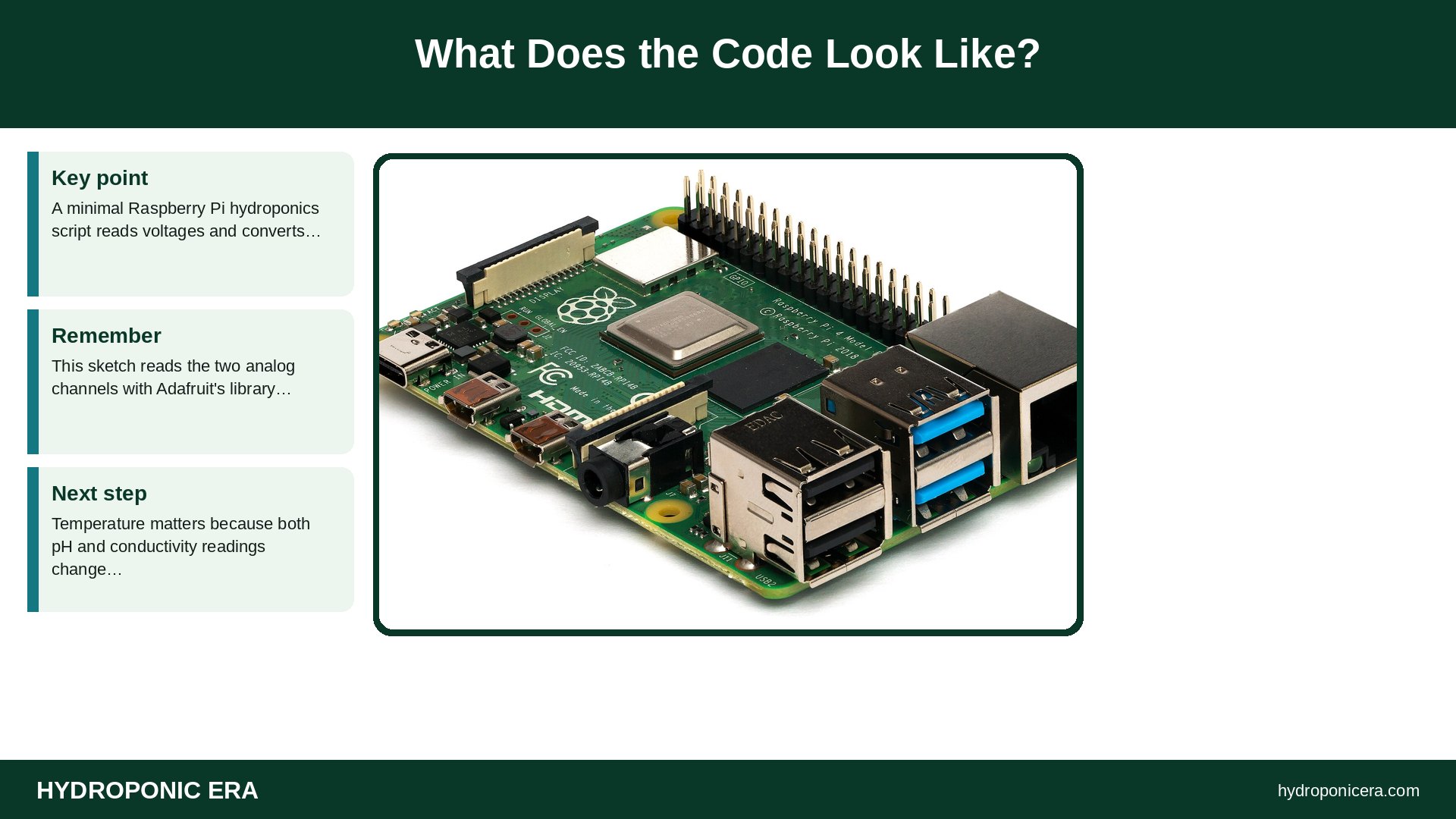
A minimal Raspberry Pi hydroponics script reads voltages and converts them. This sketch reads the two analog channels with Adafruit’s library; you’d apply your own calibration math to turn volts into pH and ppm:
import board, time
from adafruit_ads1x15 import ADS1115, AnalogIn, ads1x15
ads = ADS1115(board.I2C())
ph_ch = AnalogIn(ads, ads1x15.Pin.A0)
tds_ch = AnalogIn(ads, ads1x15.Pin.A1)
while True:
    print(round(ph_ch.voltage, 3), round(tds_ch.voltage, 3))
    time.sleep(600)
For temperature, Adafruit’s lesson reads the sensor file under /sys/bus/w1/devices/28*/w1_slave. Temperature matters because both pH and conductivity readings change with water temperature, which is why DFRobot’s TDS documentation includes temperature compensation.
How Accurate Are Raspberry Pi Hydroponics Sensors?
Good enough for trends, with limits. DFRobot rates its TDS board at ±10% of full scale over 0–1000 ppm. Full-strength solutions for fruiting crops can run above 1,000 ppm on common meter scales, so this probe may top out; use it for leafy greens or dilute a sample. DFRobot lists the pH probe life as more than half a year, depending on use.
For better accuracy, Atlas Scientific’s EZO-pH circuit ($45.99 listed) supports UART and I2C, 1-, 2- or 3-point calibration and temperature compensation, and works at 3.3–5 V. Atlas also sells electrically isolated carrier boards, worth considering if you run several probes in one reservoir. Whatever you use, check your Raspberry Pi hydroponics readings against a calibrated handheld meter every week or two; see probe care and calibration.
What Should You Monitor First?
Start small. For most home Raspberry Pi hydroponics builds, water temperature and pH give the most useful early warnings, because warm water holds less oxygen and pH drift locks out nutrients. Add EC or TDS next to track feeding strength. Once those three are stable, a water-level float switch is a cheap, valuable fourth sensor, since a pump running dry is a common failure. Air temperature and humidity sensors are nice extras for tents.
Set alert ranges that match your crop instead of generic numbers, and change them as plants grow. Our pH fixes guide explains what to do when an alert fires. A Raspberry Pi hydroponics monitor should prompt you to check, not replace your judgment.
How Do You Keep It Safe?
- Mount the Pi and boards above and away from the reservoir, in a ventilated enclosure.
- Use a proper power supply and plug pumps into GFCI outlets; read our electrical safety guide.
- Never drive pumps or motors straight from GPIO pins; the Pi docs call for a motor controller or H-bridge.
- Store pH probes wet in storage solution, never dry.
Common Mistakes in Raspberry Pi Hydroponics
| Mistake | Fix |
|---|---|
| Feeding a 5 V signal into the Pi | Keep everything at 3.3 V |
| Skipping calibration | Calibrate pH with two buffers; recheck often |
| Trusting TDS above 1000 ppm | Use a wider-range EC probe |
| Ignoring temperature | Log water temperature with every reading |
| Following outdated tutorials | Use current libraries |
FAQs: Raspberry Pi Hydroponics
Can a Raspberry Pi read a pH sensor directly?
Not an analog one. Use an ADC like the ADS1115, or a digital circuit like Atlas EZO-pH over I2C or UART.
Is Arduino better than Raspberry Pi for hydroponics?
Arduino boards have analog inputs, but the Pi is easier for logging, dashboards and networking. Many builds use both.
Can Raspberry Pi hydroponics automate dosing?
Yes, with relays or pump drivers, but start with monitoring and add dosing only after readings are reliable.
Which Pi model do I need?
Any model with a GPIO header works for logging.
Related HydroponicEra Guides
Sources
- Raspberry Pi documentation (GitHub) — GPIO on Raspberry Pi
- Adafruit — ADS1015 / ADS1115 on Raspberry Pi
- Adafruit — ADS1x15 Python & CircuitPython
- Adafruit — DS18B20 Temperature Sensing: Hardware
- DFRobot — Gravity Analog pH Sensor Kit (SEN0161-V2)
- DFRobot — Gravity Analog TDS Sensor (SEN0244)
- Atlas Scientific — EZO-pH Circuit
- Photo credits (Wikimedia Commons, edited with titles): Raspberry Pi 4 Model B – Side by Laserlicht (CC BY-SA 4.0); Arduino UNO compatible board, CNC shield stepper motor controller, and a NEMA 17 stepper motor by DotEagle (CC BY-SA 4.0); PH- und Leitfähigkeitsmessgeräte by Rotkaeppchen68 (CC0)