
Quick Answer
Wifi Controllers Smart Plugs Hydroponics (wifi controllers smart plugs hydroponics) is the practical focus of this guide for home growers.
WiFi controllers and smart plugs let home growers schedule lights, pumps, and fans—and sometimes receive outage alerts—without a commercial greenhouse controller. They help most when you already understand manual timers (timers/automation) and build fail-safes for pump failures (backup power).
Smart gear is convenience and visibility, not a substitute for sound horticulture.
Key Takeaways
- Automate the boring schedules first: lights and irrigation pulses.
- Prefer devices that fail safely (e.g., known default) and that you can override manually.
- Outage alerts matter more than RGB app themes—pumps dying silently kill NFT/DWC fast.
- MSU and OSU hydroponic overviews emphasize system reliability; networking is optional infrastructure.
- Keep a non-app timer or documented manual schedule if WiFi drops.
- Do not put random “AI grow” plugs in charge of pH dosing without sensors you trust.
- Segment power: lights and pumps on circuits that match electrical safety habits.
- Log automation changes like nutrient changes—so you can undo bad schedules.
Related HydroponicEra guides
- Timers and automation
- Backup power
- Grow lights guide
- Pump sizing
- Grow tent setup
- Apartment hydroponics
- Leak fixes
- Reservoir setup
Wifi Controllers Smart Plugs Hydroponics: Practical Home Automation Stack
Layered stack that works for most apartments/tents:
- Core: light schedule on a reliable timer or smart plug with local control.
- Irrigation: pump pulses via timer; float switch or ATO only with overflow planning.
- Climate: fan/dehumidifier plugs keyed to simple rules—not 20 scenes.
- Alerts: power-loss or sensor alerts to your phone.
- Manual override: physical switches labeled on the strip.
See timers for horticultural timing logic and lights for photoperiod basics. Virginia Tech DLI materials still matter more than app branding when plants stretch.
Wifi Controllers Smart Plugs Hydroponics — Setup Steps Without Painting Yourself In
- Write the desired on/off schedule on paper first.
- Put lights on one controllable outlet; pumps on another.
- Test schedules for 48 hours while you are home.
- Add alert webhooks/emails for power loss if the device supports it.
- Label every plug with plant zone + device.
- Store login credentials offline; do not strand a room on one phone.
- Verify GFCI and drip loops still correct after rearranging strips.
- Document a manual fallback schedule taped inside the tent/cabinet.
- Only then add sensors (temp/humidity) if they reduce guesswork (humidity/VPD).
- Review schedules weekly for the first month.
Wifi Controllers Smart Plugs Hydroponics: What to Automate vs What to Keep Manual
| Task | Automate? | Why |
|---|---|---|
| Light photoperiod | Yes | Consistency |
| Pump pulses | Yes, with checks | Prevents dry-out |
| pH dosing pumps | Advanced only | Sensor failure risk |
| Nutrient strength changes | Usually manual | Crop stage judgment |
| Harvest | No | Quality decisions |
Apartment growers: mind neighbor WiFi and breaker limits (small spaces, tents).
Wifi Controllers Smart Plugs Hydroponics: Common Mistakes
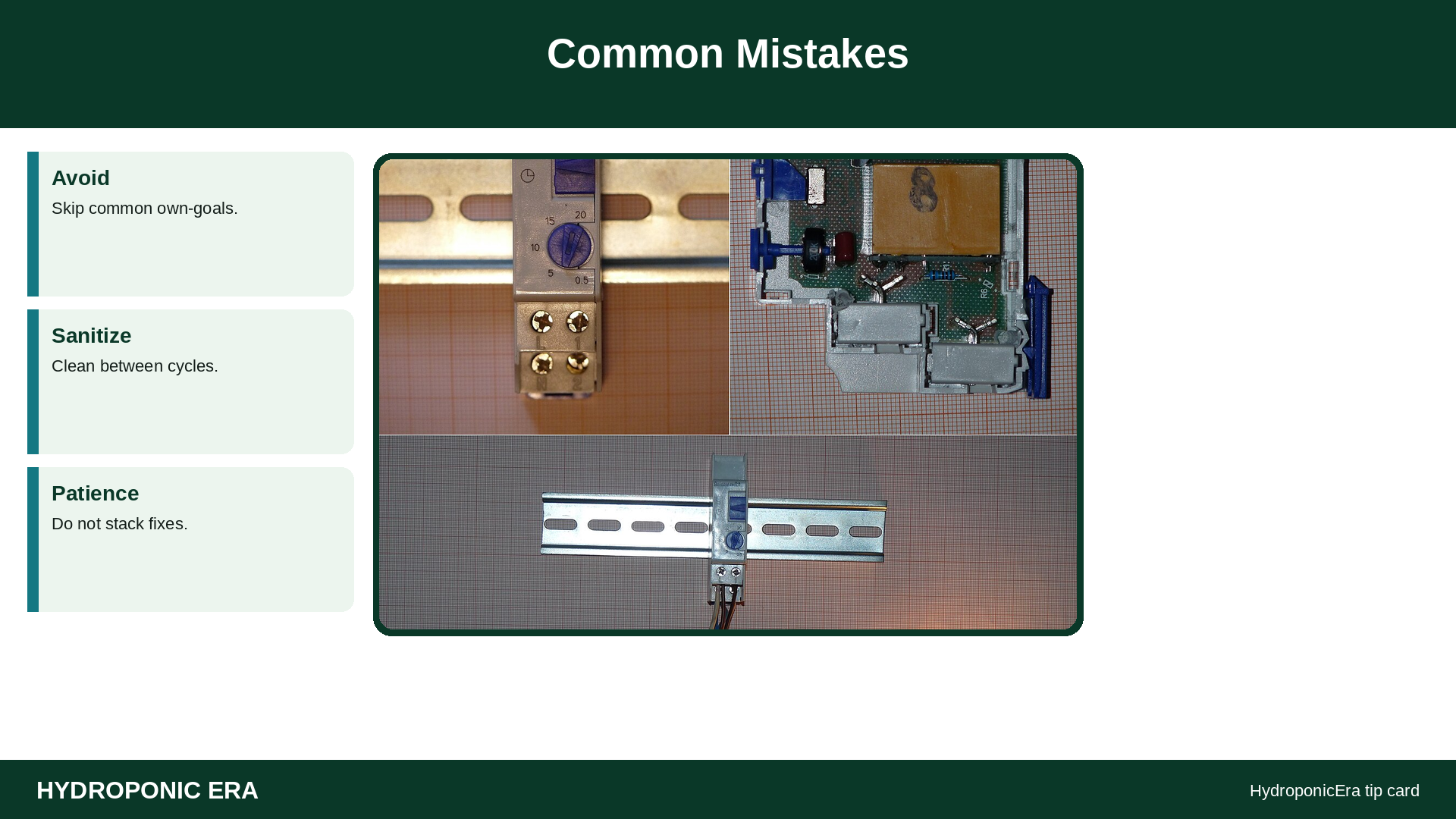
- Single smart plug controlling lights AND the only pump
- Cloud-only devices with no local button when WiFi dies
- Silent pump failures with no alert and no visual check habit
- Automating before learning hand-watering rhythm
- Overloaded power strips behind a sealed tent
- Changing five schedules after one bad night
Wifi Controllers Smart Plugs Hydroponics: Troubleshooting Automation Failures

| Symptom | Cause | Action |
|---|---|---|
| Lights wrong daylength | App timezone / schedule conflict | Verify local time; simplify scenes |
| NFT dry lines | Plug offline / pump unplugged | Fallback timer; backup |
| App unreachable | Router/ISP | Use physical override |
| Breaker trips | Inrush / overload | Split loads; electrician if needed |
What to Check Before You Trust the App
- Paper schedule written?
- Manual override tested?
- Lights and pumps on separate controllable outlets?
- Alert for power loss configured?
- Credentials stored offline?
- 48-hour supervised test done?
- GFCI and cord routing still safe?
- Fallback hardware timer available?
FAQs
Do I need a full Controllers kit?
Not for most home tents. Smart plugs + good habits cover a lot.
What if WiFi is unreliable?
Prefer timers with local control; treat WiFi as bonus.
Can Alexa water my plants?
Voice is optional. Reliability and fail-safes are not.
Should pH be autodosed?
Only with redundant sensing and understanding of drift causes—advanced territory.
Energy monitoring useful?
Yes for learning kWh—see the electricity cost framework in the business cluster.
Security?
Change default passwords; isolate IoT if you can.
Automation Drills Before You Trust the Cloud

Run a supervised failure drill: toggle WiFi off on your phone’s router test night and confirm every critical device still has a physical or local override. If the only way to stop a pump is an app push notification, you do not have control—you have hope. Keep a $15 hardware timer in the drawer as a documented fallback (timers).
Separate roles electrically: lights on one controllable outlet, pumps on another, climate gear on a third when possible. A single smart plug that toggles “everything grow” guarantees the day you turn lights off and accidentally kill aeration (pumps, backup).
Alert hygiene: enable power-loss or offline alerts for the pump circuit first—not mood lighting scenes. NFT and DWC forgive less silence than media beds (NFT, DWC). Test that the alert actually pages you while you are in another room.
Original automation change log: date | device | old schedule | new schedule | reason | plant response in 72 hours. Treat schedule edits like nutrient edits. Random app tapping creates unscientific chaos.
Apartment constraints: shared breakers, roommate unplugging “unknown” bricks, and ISP outages (apartments, tents). Label plugs in human language: “TOMATO PUMP—DO NOT UNPLUG.”
Practice: for one week, walk the room at a random time daily and verify reality matches the app. Photograph mismatches. Then simplify scenes until they agree. Pair lighting schedules with lights and PPFD/DLI rather than 24/0 “because the plug can.”
Security note: change default passwords; do not reuse your primary email password on IoT junk. Convenience should not open the rest of your home network carelessly.
Integrate sensors slowly. A cheap temperature/humidity sensor that pages you when a tent hits risky heat is worth more than six color-changing bulbs. Bind alerts to actions you already know: open vents, cut a light channel, or check the pump. Avoid autopilot dosing until meters and backups are boringly reliable (meters mindset even when the device is a plug).
Guest access: if a partner helps, share a restricted app login or a laminated override sheet—not your primary email password. Document the “break glass” steps: which breaker, which manual timer settings, which outlet is the pump. That sheet belongs next to backup gear.
Finally, review cloud privacy policies at a glance. Grow rooms do not need to stream to brittle foreign servers if a local timer already solves photoperiod. Choose boring reliability over novelty features every time plants’ lives depend on a pump.
Wifi Controllers Smart Plugs Hydroponics: Practical Checklist
Wifi Controllers Smart Plugs Hydroponics matters every week in a home system. Recheck wifi controllers smart plugs hydroponics after transplants, heat spikes, and canopy fill-in. Strong wifi controllers smart plugs hydroponics habits beat one-time guesses. When wifi controllers smart plugs hydroponics drifts, leaves crowd, roots stress, or harvest quality drops. Write wifi controllers smart plugs hydroponics targets into your log so you do not rely on memory. Teach helpers your wifi controllers smart plugs hydroponics checklist before you leave town. Improve wifi controllers smart plugs hydroponics in small steps—measure, adjust, then wait a day.
Sources
- Oklahoma State University Extension — Hydroponics
- Michigan State University Extension — Hydroponics as an agricultural production system
- Virginia Cooperative Extension — SPES-720: Calculating and Using Daily Light Integral (DLI)
- University of Florida IFAS — AE069 publication (greenhouse/env control context)
- University of Florida IFAS — HS184: Building a Floating Hydroponic Garden
- Penn State Extension — Hydroponics Systems and Principles of Plant Nutrition
- Ohio State University Extension — AEX-79020 Electrical safety around water (small farm)
- University of Georgia Extension — B1314: Soilless Growing Media