
Most AeroGarden troubleshooting comes down to water, the pump and the light timer. Fill the bowl to “Fill to Here,” run the model’s pump test, and prime a pump that hums but doesn’t move water. Reset the light-on time, and clear roots blocking the deck. White fuzz, algae and brown crust are usually harmless, according to AeroGarden’s own FAQ.
| Problem | Quick fix (AeroGarden FAQ and guides) |
|---|---|
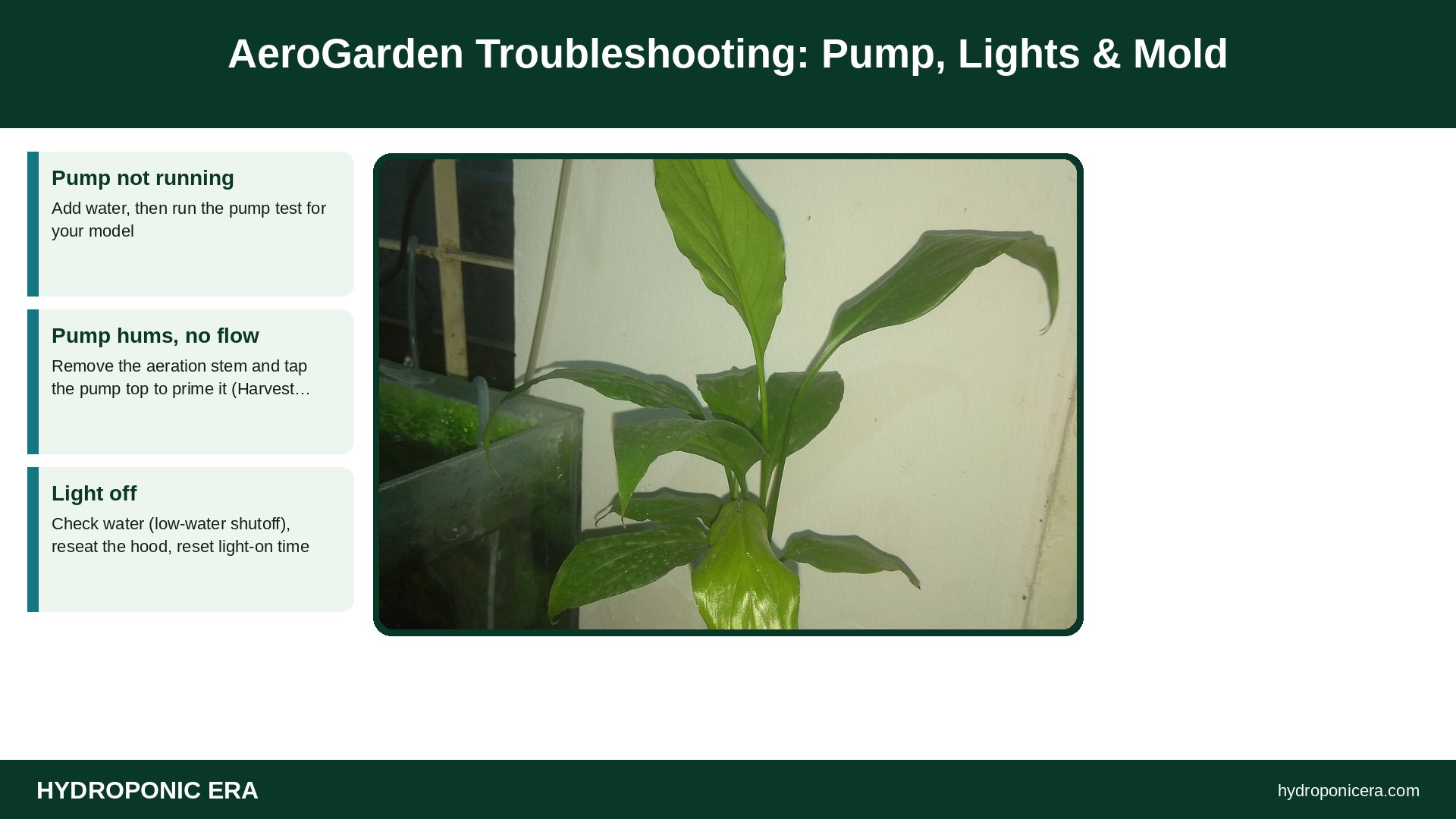
| Pump not running | Add water, then run the pump test for your model |
| Pump hums, no flow | Remove the aeration stem and tap the pump top to prime it (Harvest Lite) |
| Light off | Check water (low-water shutoff), reseat the hood, reset light-on time |
| False “Add Water” alert | Reset the float in its tube |
| White fuzz on sponges | Likely a beneficial fungus; plants outgrow it |
| Brown crust or algae | Calcium from plant food; algae is harmless to plants |
Is AeroGarden Troubleshooting Different by Model?
Yes. Button names and menus differ between the Harvest family, Sprout, Bounty and Farm models, so good AeroGarden troubleshooting starts with the Garden Guide for your exact model on the AeroGarden product manuals page. The fixes below come from AeroGarden’s help center FAQ and setup guides on the ScottsMiracle-Gro site, which hosts AeroGarden support today. If you’re wondering whether support will continue, see our dated timeline: is AeroGarden out of business?
Why Is My AeroGarden Pump Not Working?
Start with water. The Harvest 2.0 setup guide says the garden has a low-water shutoff: if the reservoir runs empty, the pump stops and the LED light turns off. The Sprout has the same safety feature. Refill to the “Fill to Here” line and give the pump a moment to detect water; AeroGarden notes it may take some movement of the bowl.
Then run a pump test, a core step in AeroGarden troubleshooting:
- Harvest: press and hold the Leaf button for a few seconds to run the pump for one minute.
- Harvest Elite: press the Leaf button for the menu, then choose Test Pump.
- Bounty or Farm: open the Menu, go to Pump settings and select Test Pump.
On a Harvest Lite, the FAQ says the pump tests for 8 seconds every 15 seconds when it senses no water. If you can feel it vibrating but water isn’t moving, remove the mushroom-shaped aeration stem, tap the top of the pump to prime it, then reattach the stem. Gurgling or dripping sounds are usually just water moving through the deck, not a failing pump. For pumps in general, see pump cavitation and air locks.
AeroGarden Troubleshooting: 9 Easy Fixes

- Refill the bowl. Fill to “Fill to Here.” Low water shuts off the pump and light on many models.
- Run the pump test. Use the model steps above.
- Prime the pump. Remove the aeration stem and tap the pump top (Harvest Lite guidance).
- Reseat the light hood. The Harvest Lite FAQ says the hood should click onto the post; reseat the post and hood if not. Try another outlet.
- Reset the light-on time. On Harvest, Harvest 360 and Harvest Slim, hold the white Sun button for 5 seconds; lights then run 15 hours from that time each day.
- Factory reset if needed. On those Harvest models, hold Plant Food and Lights On/Off together for about 5 seconds, then unplug and plug back in.
- Fix a false “Add Water” alert. Remove the tube in the bowl, take out the float with a magnet, replace it and reconnect the tube.
- Clear the grow deck. Roots can grow through deck nozzles and block flow. AeroGarden says the deck separates on almost all models; scrub out roots and debris.
- Rinse and refill. Replace water and Liquid Plant Food every 4–6 weeks, as the FAQ recommends.
Work through these nine in order; most AeroGarden troubleshooting ends by step 5.
Why Won’t My AeroGarden Seeds Sprout?
Germination is the most common AeroGarden troubleshooting question after pumps. The FAQ says seeds need warmth from the LED light to germinate, so set the light hood at its lowest position when planting and raise it as plants grow. Typical germination windows are 5–8 days for salads, 5–15 days for herbs, 7–12 days for flowers and 7–14 days for tomatoes and peppers. AeroGarden says pods that haven’t sprouted after 21 days are covered by its germination guarantee; contact support through chat.
Water matters too. The Harvest 2.0 guide says most tap water works, but a 50/50 mix of distilled and tap water may help if your water is hard or softened. The Grow Anything kit page says not to use well water or softened water. For your own seeds, see DIY AeroGarden seed pods.
AeroGarden Troubleshooting for Fuzz, Algae and Crust
- White fuzz on sponges: AeroGarden says it’s likely a beneficial fungus and that plants out-compete it. Fuzz on roots is usually root hairs; see white fuzz on roots in water.
- Algae: AeroGarden calls it harmless to plants. Keep pod labels on and put plant spacers in empty holes to block light.
- Brown crust on the deck: calcium buildup from Liquid Plant Food, not harmful. Vinegar cleaning helps remove mineral deposits.
- Brown, slimy roots or a bad smell: not normal. Healthy roots are milky white, according to the FAQ. Rinse, refill and check Pythium root rot.
How Do You Clean an AeroGarden?

Clean between plantings. AeroGarden says most grow decks are top-rack dishwasher safe. Without a dishwasher, fill the bowl with water plus ¼ cup of chlorine bleach, or with 5 cups of distilled white vinegar, run the pump for 5 minutes, empty and rinse. Then run clear water for 5 minutes and rinse again so no solution remains. Regular cleaning prevents a lot of AeroGarden troubleshooting later.
Why Is My AeroGarden App Not Connecting?
AeroGarden launched a new app under new firmware and software; the old and new apps can’t run at the same time. The app page lists compatible models: Bounty (2019 and newer), Bounty Basic, Bounty Elite, Farm 12, 12XL, 24 Basic, 24Plus and 24XL, plus the Trio, Tabletop and Stem grow lights. Some pre-2019 Classic Harvest, Bounty and Farm gardens lost app support because of outdated security firmware. Those gardens still run on their own controls, so app problems are a smaller AeroGarden troubleshooting issue than they look.
AeroGarden Troubleshooting Symptom Table
| Symptom | Likely cause | Fix |
|---|---|---|
| Light and pump both off | Low-water shutoff | Refill, wait for pump |
| Light on, no water flow | Unprimed pump or roots in deck | Prime; clean deck |
| Lights at wrong time | Light-on time reset by outage | Reset light-on time |
| Plant Food light flashing | 14-day reminder (Harvest) | Add food, tap Leaf to reset |
| Some LEDs dark | Diodes failing (2–4 year lifespan per FAQ) | Replace light hood |
| Basil shading others | Overgrowth | Prune; keep light close |
FAQs: AeroGarden Troubleshooting
How do I reset my AeroGarden?
On Harvest, Harvest 360 and Slim models, hold Plant Food and Lights On/Off for about 5 seconds, then unplug and replug. Other models differ; check your Garden Guide.
What’s the first AeroGarden troubleshooting step for a dead pump?
Fill the bowl, then run the pump test. Most “dead” pumps are low-water shutoffs or air-locked.
Does AeroGarden troubleshooting differ for older Classic models?
Controls differ, and some pre-2019 Classic gardens lost app support, but they still run on their own buttons. Use the Garden Guide for your model.
How often should I change AeroGarden water?
AeroGarden recommends a full rinse and refill every 4–6 weeks.
Why are my AeroGarden lights flashing?
On Harvest models, flashing button lights are reminders for water or plant food. Add them and reset the timer.
Where can I get AeroGarden troubleshooting help?
Use the AeroGarden FAQ and chat on the ScottsMiracle-Gro site, and your model’s Garden Guide.
Related HydroponicEra Guides
- AeroGarden vs Click and Grow
- Is AeroGarden out of business?
- DIY AeroGarden seed pods
- How to choose a hydroponic kit
Sources
- ScottsMiracle-Gro (AeroGarden) — AeroGarden FAQs
- ScottsMiracle-Gro (AeroGarden) — Harvest 2.0 Setup Guide
- ScottsMiracle-Gro (AeroGarden) — How to Plant Your “Grow Anything” Seed Kit
- ScottsMiracle-Gro (AeroGarden) — Introducing the AeroGarden App
- Photo credits (Wikimedia Commons, edited with titles): Spathiphyllum wallisii hydroponically grown by Kephalian (CC BY-SA 4.0); -2020-07-10 Purple basil (Ocimum basilicum) seedlings, Trimingham by Kolforn (Kolforn)
I’d appreciate if you could mail me (Kolforn@gmail.com) if you want to use this picture out of the Wikimedia project scope.This file is licensed under the Creative Commons Attribution-Share Alike 4.0 International license.
You are free:
to share – to copy, distribute and transmit the work
to remix – to adapt the work
Under the following conditions:
attribution – You must give appropriate credit, provide a link to the license, and indicate if changes were made. You may do so in any reasonable manner, but not in any way that suggests the licensor endorses you or your use.
share alike – If you remix, transform, or build upon the material, you must distribute your contributions under the same or compatible license as the original.https://creativecommons.org/licenses/by-sa/4.0CC BY-SA 4.0 Creative Commons Attribution-Share Alike 4.0 truetrue (CC BY-SA 4.0); 2009-03-30 Lettuce roots by Ildar Sagdejev (Specious) (CC BY-SA 4.0); PH- und Leitfähigkeitsmessgeräte by Rotkaeppchen68 (CC0)